



Description
Product Description
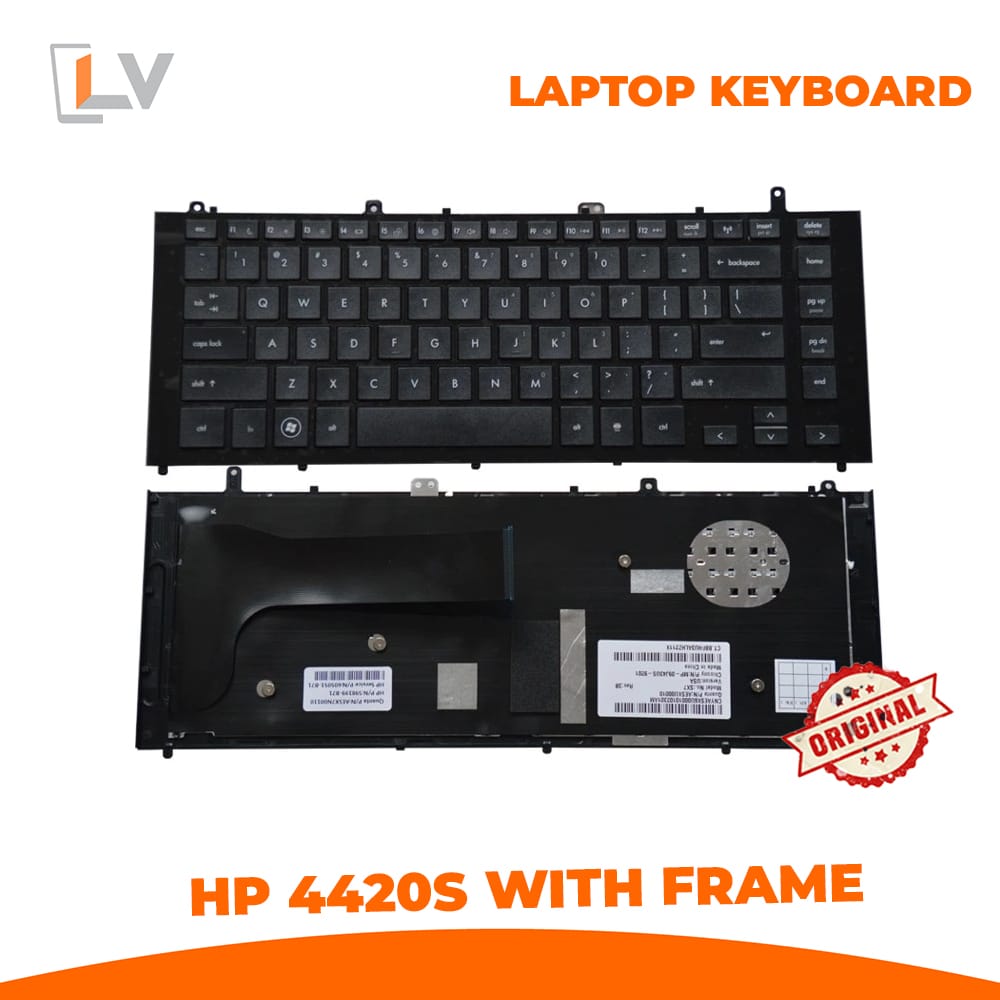
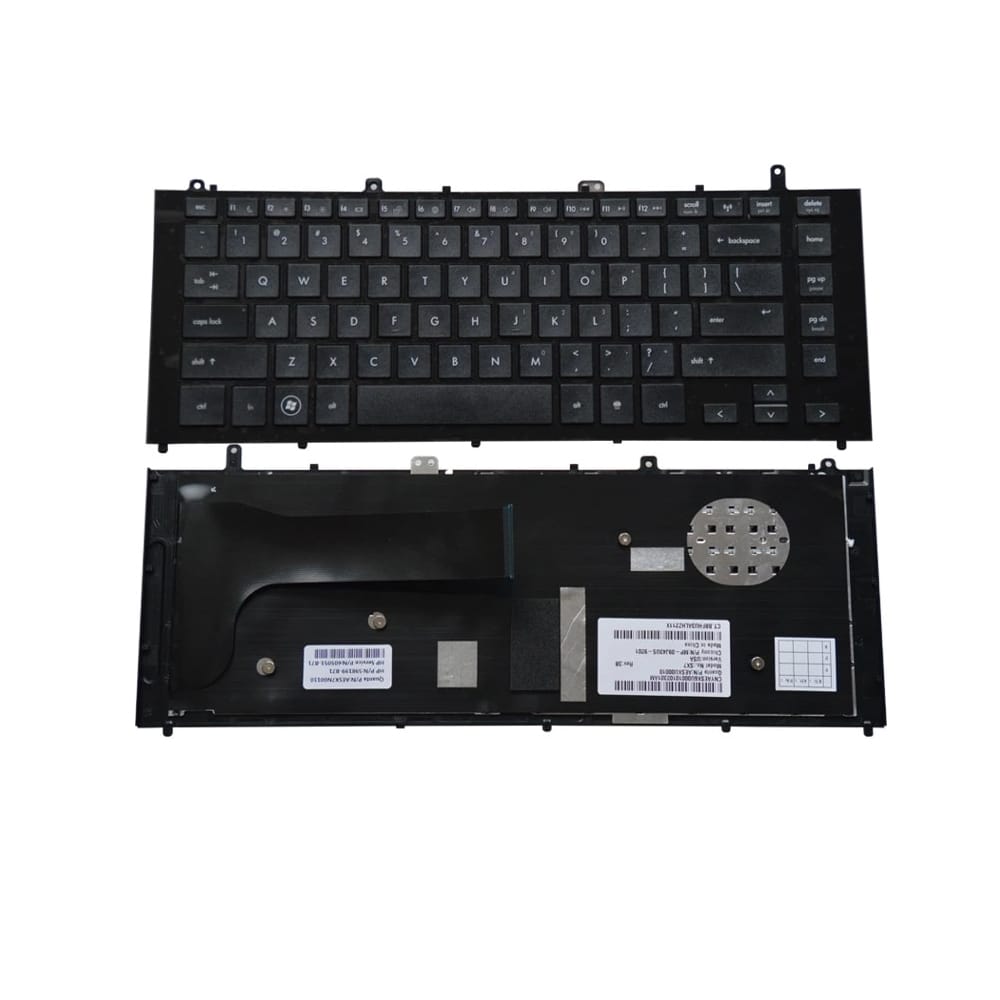
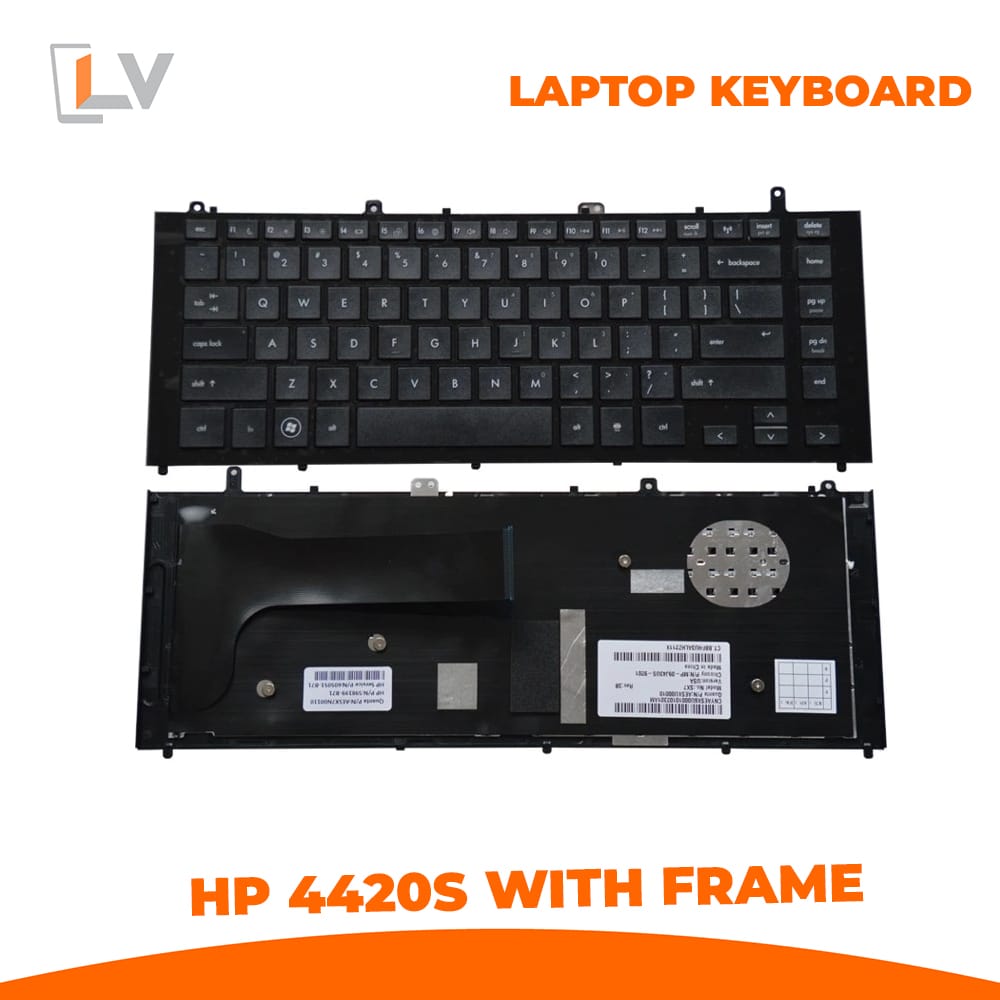
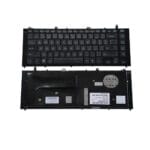
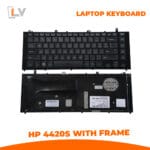
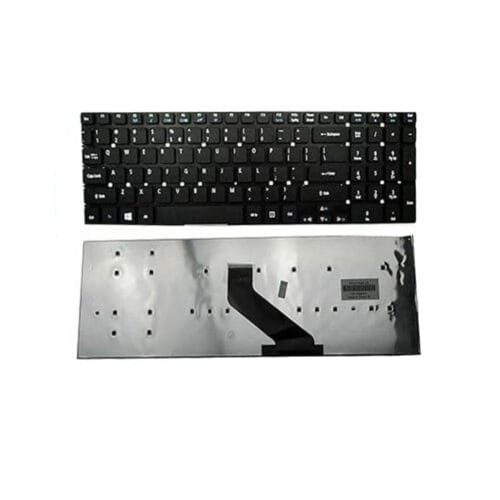
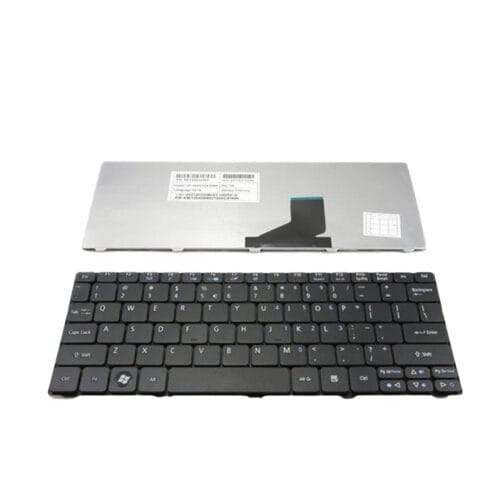
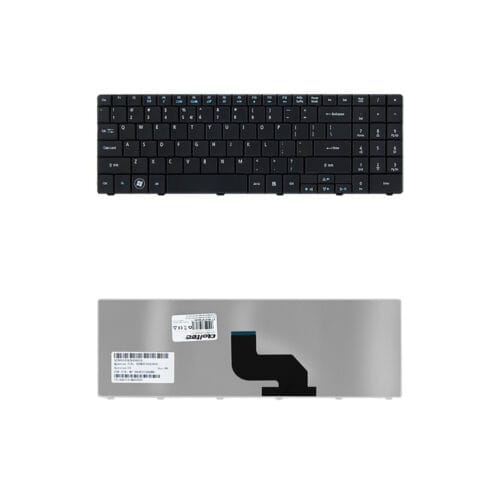
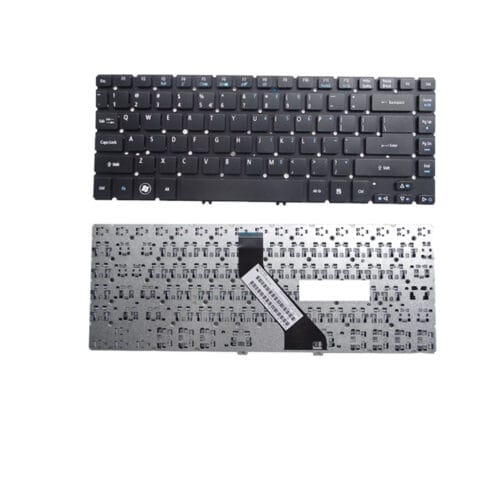
Bring your HP ProBook 4420s / 4421s / 4425s / 4426s laptop back to life — with this brand‑new full keyboard assembly with frame, designed to match the original OEM keyboard exactly. If your existing keyboard is worn out, keys are unresponsive, missing, or damaged — this replacement will restore full typing functionality and give your laptop a fresh — like‑new feel.
This keyboard + frame unit ensures proper alignment, correct screw‑mount locations and ribbon cable connection — delivering a seamless, secure fit without gaps or mis‑alignment. Every key is tested before dispatch to ensure 100% functionality, giving smooth key travel, reliable input and consistent typing response. A perfect solution for students, office workers, developers or everyday users needing dependable, long‑lasting keyboard performance on older ProBook machines.
Instead of investing in a new laptop, this replacement offers a cost‑effective way to extend the life of your existing device.
Key Features
Condition: 100% Brand New, Original‑grade replacement (keyboard + frame), not refurbished or used.
Compatibility: Fully compatible with HP ProBook 4420s, 4421s, 4425s, 4426s series laptops.
Layout: Standard US/UK QWERTY layout (English) — familiar for typing, coding or office work.
Backlight: Non‑backlit (standard) keyboard — matches original configuration.
Frame Included: Yes — full keyboard assembly with frame, ready for plug‑and‑play replacement.
Color / Finish: Classic black keyboard (with matching frame colour) — maintains your laptop’s original look.
Installation: Plug‑and‑play replacement — remove old keyboard, connect ribbon cable, secure screws; no soldering required.
Durability: Built to withstand daily typing, regular use, wear and tear — ideal for long term use on older laptops.
Warranty: 3‑Month limited warranty (manufacturer/store defect coverage) — standard for this replacement.
Technical / Product Specifications
| Specification | Detail |
|---|---|
| Applicable Models | HP ProBook 4420s, 4421s, 4425s, 4426s series |
| Keyboard Layout | US / UK QWERTY (English) \ |
| Frame Included | Yes — Full keyboard + frame assembly |
| Backlight | No (non‑backlit) |
| Color | Black (keyboard + frame) |
| Condition | Brand New (not refurbished or used) |
| Installation Type | Plug‑and‑play (ribbon cable + screw‑mount), direct replacement |
| Warranty | 3‑Month Limited Warranty (manufacturer/store defect coverage) |
| Use Case | Replace damaged/worn-out keyboards; restore typing functionality on older ProBook laptops |
Important Note (Compatibility Warning): Because HP sometimes uses multiple keyboard variants even within the same laptop series, we strongly recommend customers to check their laptop model number (4420s / 4421s / 4425s / 4426s) and visually compare the existing keyboard layout, screw‑mount positions & connector orientation before ordering — this avoids compatibility issues.
Why Choose This Keyboard Replacement
Exact OEM‑style fit & finish: Built specifically for HP ProBook 4420s / 4421s / 4425s / 4426s — ensures seamless fitment and proper alignment.
Full assembly with frame: Replacement includes keyboard + frame — ensures structural integrity & easy installation.
Brand‑new and reliable: Fresh build, tested keyboards — avoid issues common with used/refurbished keyboards (worn keys, dead keys, misalignment).
Cost‑effective repair: Rather than buying a new laptop, get a fully functioning keyboard at a fraction of the cost — great for refurbishing or extending lifespan of older machines.
Ideal for everyday users: Perfect for typing-heavy tasks — office work, coding, writing, browsing, study — especially on older laptops you don’t want to replace yet.
Typical Use Cases
Replace broken, missing or unresponsive keys due to wear, spills, or damage on HP ProBook 4420s / 4421s / 4425s / 4426s laptops.
Refresh a second‑hand or old ProBook to restore original typing feel and full functionality.
Provide a cost‑effective laptop repair or refurbishment solution.
Useful for resellers, repair shops, or individual buyers wanting to extend the lifespan of their existing ProBook devices.




Reviews
There are no reviews yet.