


Description
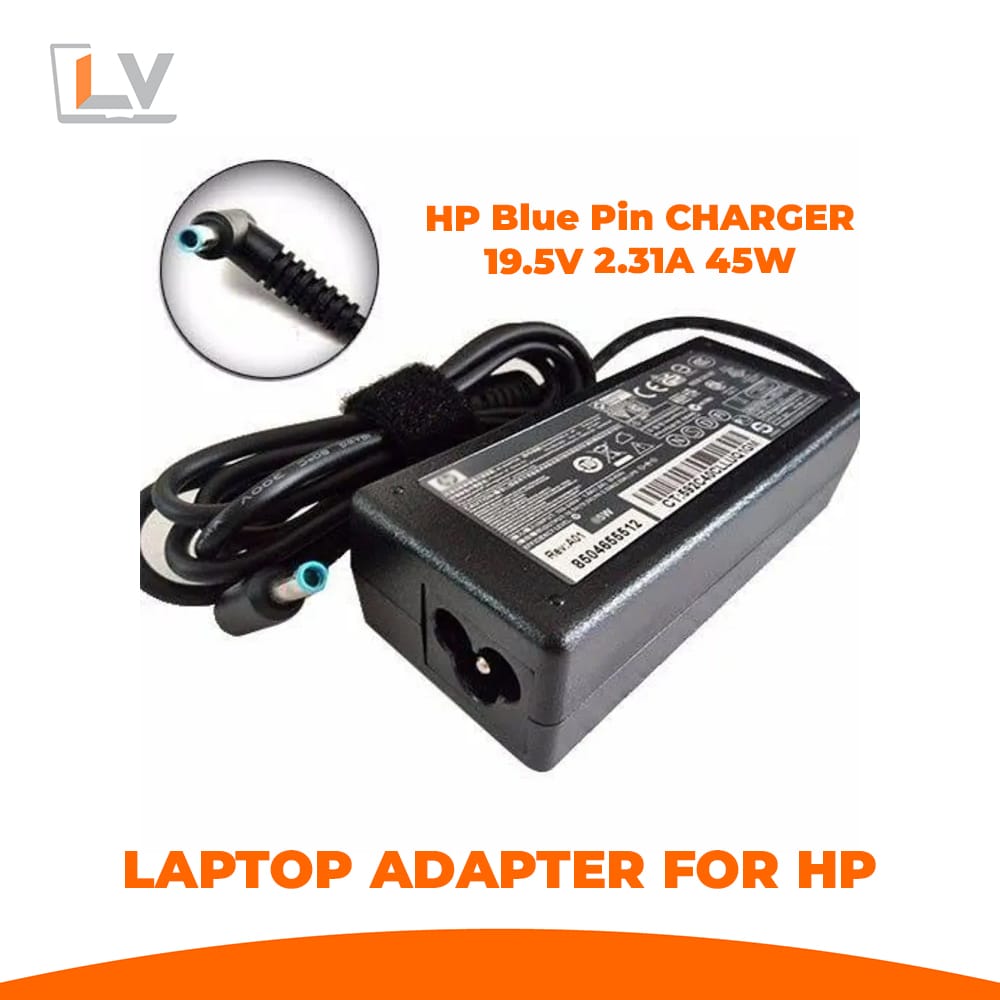
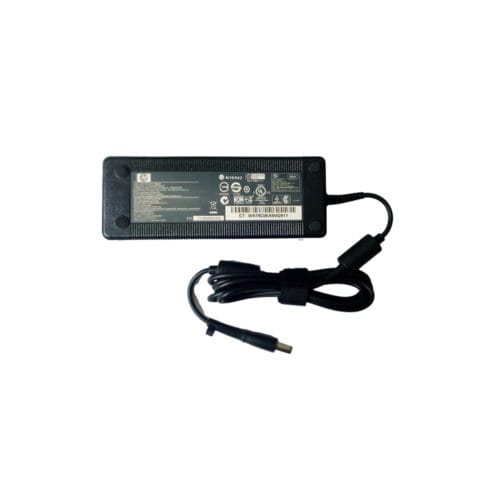
Get dependable power for your HP laptop with this HP 19.5V 2.31A Blue Pin 45W Adapter. Designed as a compact yet powerful charger, it ensures your notebook runs reliably without compromising on safety or efficiency. Whether you’re replacing a damaged adapter or keeping a spare for travel, this unit balances portability, performance and protection.
Key Features & Advantages
45W Power Output — Delivers HP 19.5V 2.31A Blue Pin 45W Adapter, making it ideal for HP notebooks with moderate power requirements.
Blue Pin Connector — The standard “HP 19.5V 2.31A Blue Pin 45W Adapter” design ensures accurate polarity and a snug connection, minimizing accidental disconnections.
Built-in Safeguards — Over-voltage, over-current, short-circuit, and over-heat protections help shield your laptop and the adapter itself.
Compact & Lightweight — Easy to carry for students, professionals, or everyday use.
Durable Construction — Strong outer casing and reinforced cable ends reduce wear and tear from bending or movement.
1-Year Warranty — Offers buyer confidence and after-sales protection.
Technical Specifications
| Specification | Details |
|---|---|
| Input | 100 – 240V AC, 50/60 Hz |
| Output | 19.5V DC, 2.31A |
| Power | 45W |
| Connector Type | Blue pin (center positive) |
| Cable Length | [Insert your actual length] |
| Certifications | [Mention CE, FCC, RoHS etc., if applicable] |
Compatibility & Use Cases
This adapter suits HP laptops that use a HP 19.5V 2.31A Blue Pin 45W Adapter power requirement and accept a blue pin type connector. Ideal scenarios include:
Your original charger is lost, broken, or malfunctioning.
You need a backup adapter for work, class, or travel.
You want a cost-effective, safe replacement that doesn’t sacrifice quality.
Always confirm your laptop’s original charger label (voltage and current) before ordering.
Usage Instructions & Tips
Verify Specs First — Ensure your original adapter’s rating matches 19.5V and roughly 2.3A.
Power Off When Connecting — Turn off the laptop first, then connect the adapter.
Charge Fully Initially — Let it go to 100% before unplugging, then allow some discharge cycles for calibration.
Avoid Overheating — Don’t cover the adapter during use—ensure airflow around it.
Handle Cable Gently — Avoid sharp bends especially near the connector; pull from the plug, not the cable.
Why Choose This Adapter from LaptopVai?
Tested Quality — Each unit is checked for voltage accuracy and safety before shipping.
Fair Price, Great Value — High performance without overpaying.
Reliable Support — 1-year warranty plus customer service for any concerns.
Fast Local Delivery — You avoid import hassles; enjoy quick delivery across Bangladesh.
HP 45W blue pin adapter
HP 19.5V 2.31A laptop charger
Blue pin 45W HP charger Bangladesh
Replace HP 45W adapter LaptopVai
HP blue tip 45W power adapter





Reviews
There are no reviews yet.