





Description
Product Overview
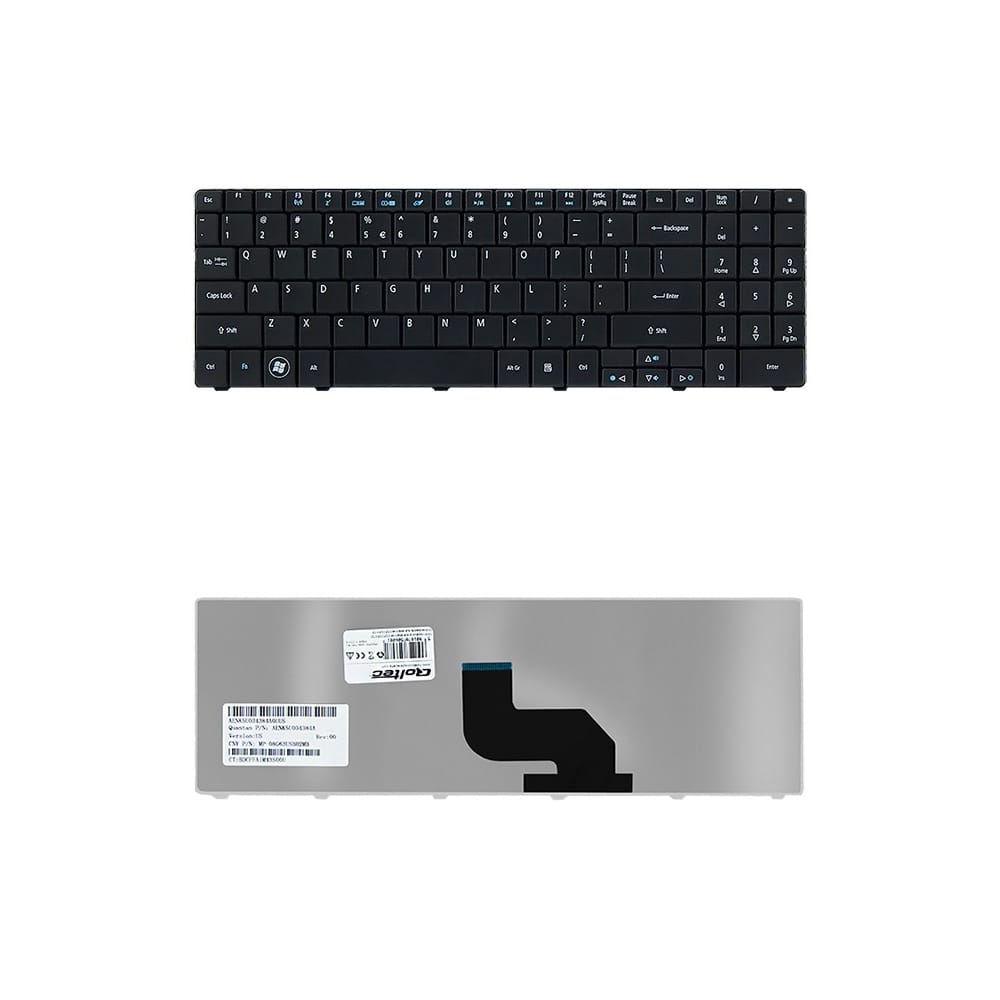
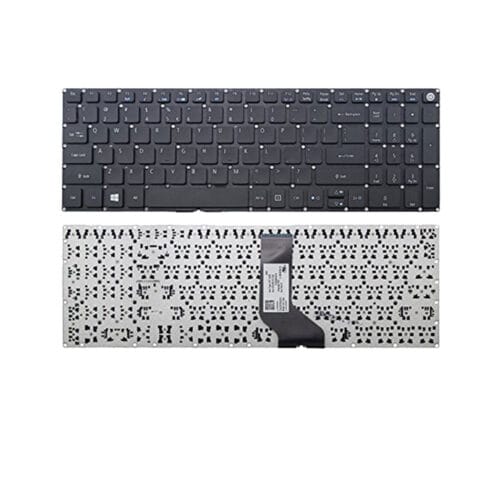
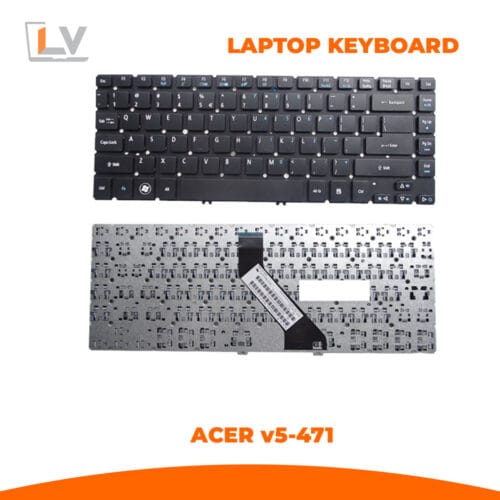
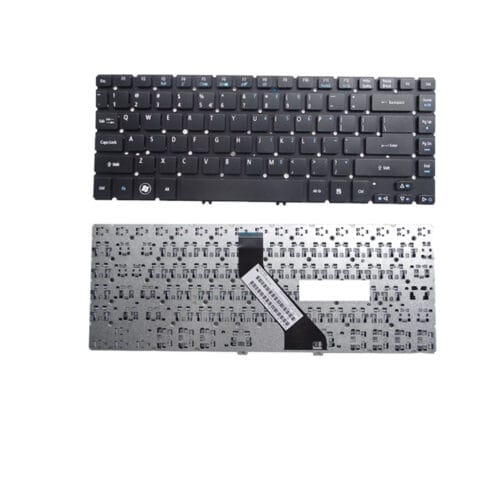
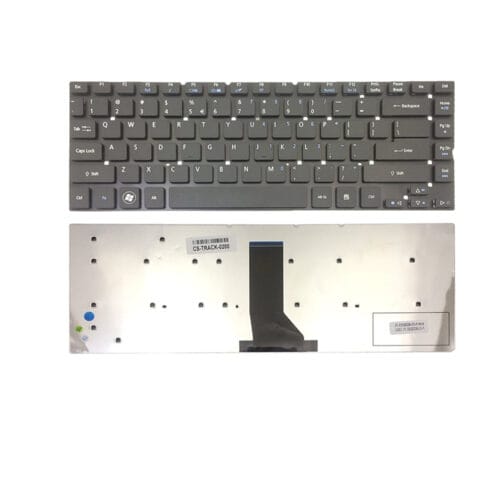
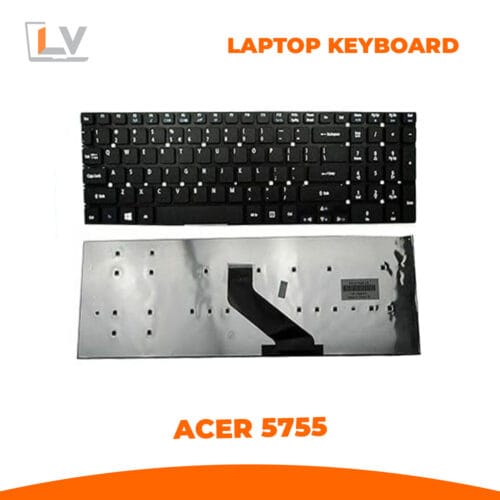
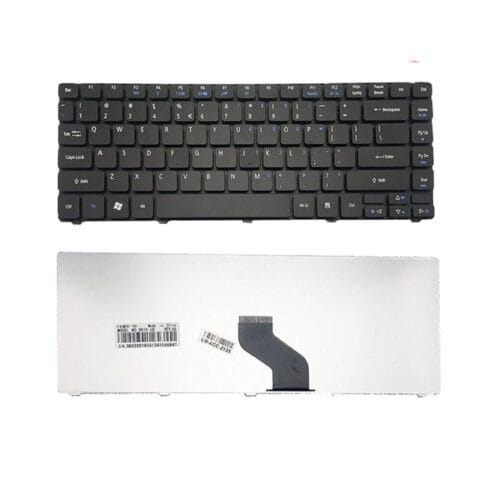
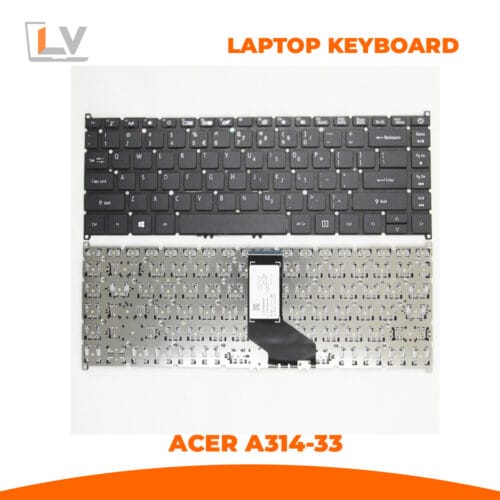
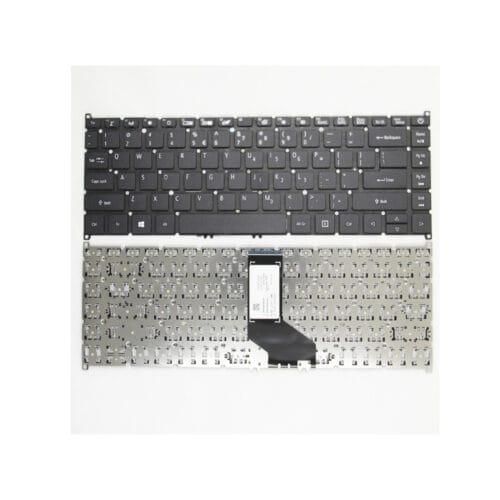
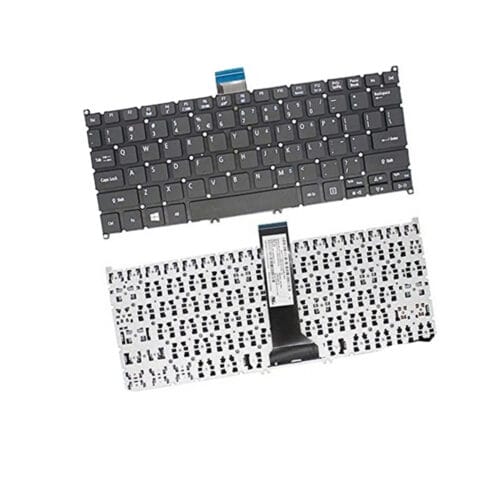
This replacement keyboard is designed for a wide range of Acer laptop models including Acer 5241, 5334, 5516, 5517, 5532, 5534, 5541, and multiple eMachines notebook series such as E725, E527, E727, E525, E625, E627, E430, E628, and E630.
If your laptop keyboard is damaged, unresponsive, or missing keys, this high-quality replacement keyboard ensures full functionality and smooth typing performance—perfectly matching OEM standards.
Constructed with durable components and manufactured to fit accurately in the specified Acer and eMachines chassis, this keyboard brings back the original typing feel and reliability your laptop was designed for.
Key Features
Wide Model Compatibility
Supports a large range of Acer and eMachines models, including:
Acer 5241 / 5334 / 5516 / 5517 / 5532 / 5534 / 5541
eMachines E725 / E527 / E727 / E525 / E625 / E627 / E430 / E628 / E630
US (QWERTY) Layout
Standard English layout ensures ease of use for everyday typing, office work, and academic tasks.
OEM-Style Build Quality
Manufactured to original specifications for accurate fitment, optimal key travel, and long-term durability.
Non-Backlit Design
Just like the original keyboard, this unit is non-backlit, which helps reduce power consumption in budget notebooks.
Chiclet / FineTip Key Technology
Features low-profile, comfortable chiclet keys that maintain quiet operation and consistent feedback.
Reliable Ribbon Cable Connector
Equipped with a strong, flexible ribbon cable that locks securely into your motherboard’s ZIF connector.
Durable ABS Keycaps
Scratch-resistant, fade-resistant keycaps designed for long-term use in home, office, or school environments.
3-Month Warranty
Your purchase includes a 3-month replacement warranty against manufacturing defects, ensuring peace of mind.
Installation Instructions
Power off the laptop and remove the battery (if removable).
Use a pry tool to carefully release the keyboard clips from the top bezel.
Lift the keyboard and unlock the ZIF connector on the motherboard.
Remove the old keyboard, insert the ribbon cable from the new keyboard, and lock it securely.
Position the new keyboard and press down gently to lock the clips into place.
Power on the laptop and test all keys to ensure proper functionality.
Why Buy This Replacement Keyboard?
Restores full typing functionality
Perfect fit for Acer & eMachines budget laptops
Affordable fix compared to replacing the entire top case or laptop
Durable, reliable, and easy to install
Ideal for repair shops, technicians, students, and home users
Specifications
| Specification | Details |
|---|---|
| Brand | Compatible / Replacement |
| Supported Models | Acer 5241, 5334, 5516, 5517, 5532, 5534, 5541; eMachines E725, E527, E727, E525, E625, E627, E430, E628, E630 |
| Keyboard Layout | US (QWERTY) |
| Key Type | Chiclet / FineTip |
| Backlit | No |
| Color | Black |
| Connection Type | Ribbon Cable |
| Material | ABS Plastic |
| Warranty | 3 Months |
Tags
Acer 5241 keyboard
Acer 5334 keyboard
Acer 5516 replacement keyboard
Acer 5517 keyboard
Acer 5532 keyboard
Acer 5534 laptop keyboard
Acer 5541 keyboard
eMachines E725 keyboard
eMachines E527 keyboard
eMachines E625 replacement keyboard
Acer laptop keyboard replacement
Black Acer keyboard
Laptop keyboard for Acer and eMachines
Internal keyboard Acer series
Acer spare parts Bangladesh




Reviews
There are no reviews yet.