

Description
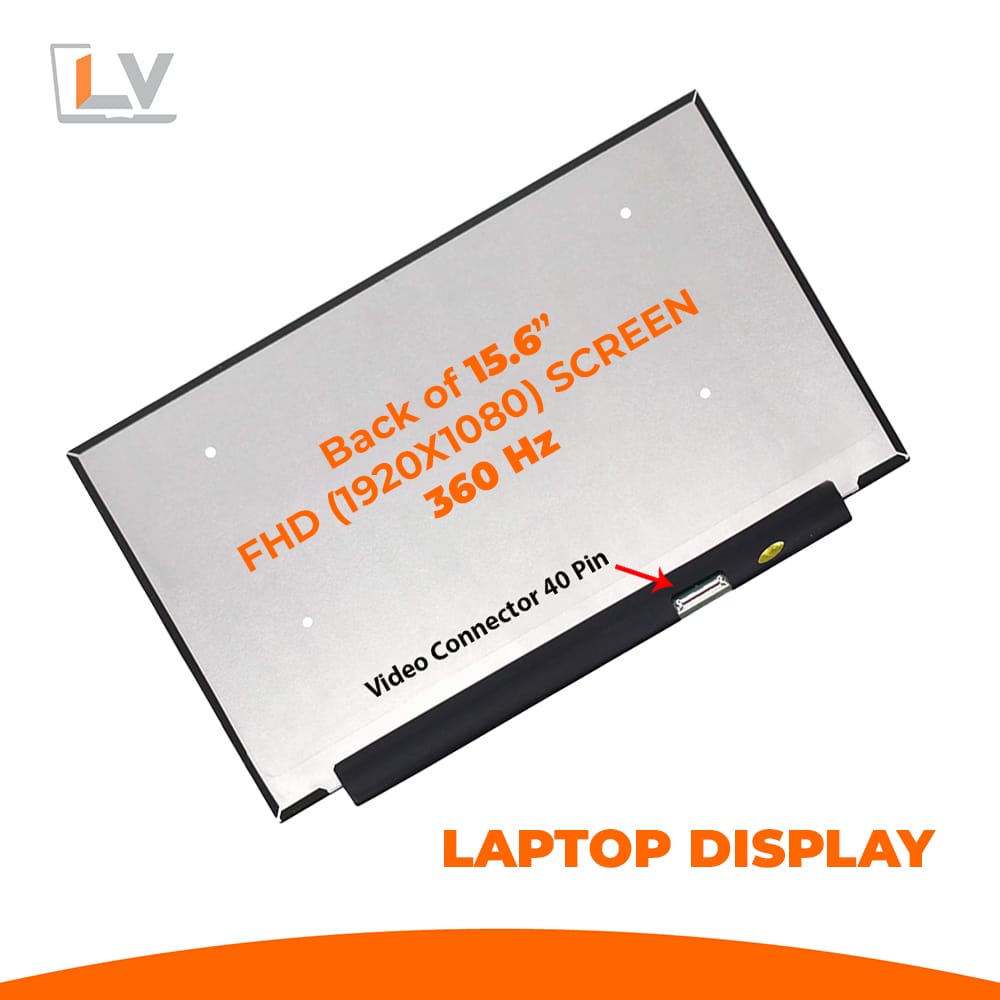
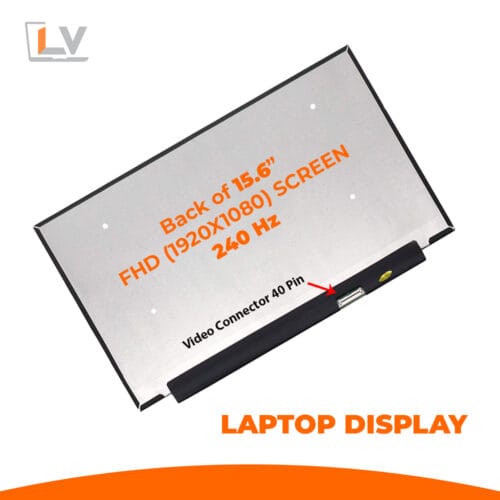
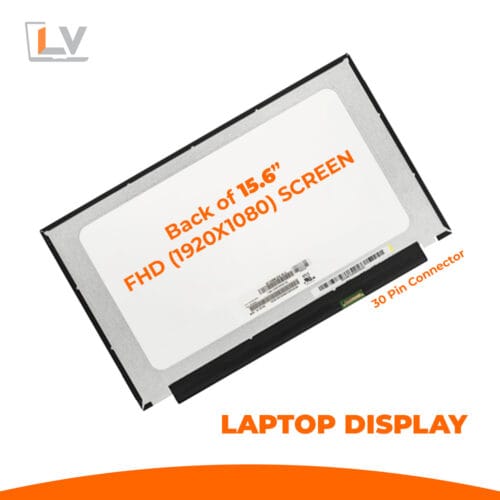
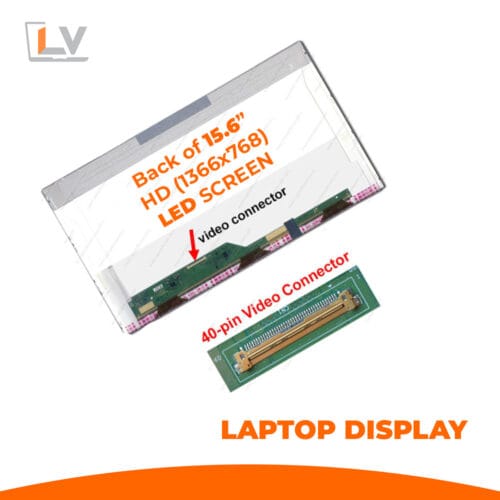
Take your laptop display to the bleeding edge with the 15.6″ LED Ultra 40-Pin FHD Notebook Display — 360 Hz — built for high performance, ultra fluid visuals, and premium gaming or media experiences.
| Feature | Value / Detail |
|---|---|
| Display Size | 15.6 inch (diagonal) |
| Resolution | Full HD (1920 × 1080) |
| Refresh Rate | 360 Hz (ultra high refresh) |
| Panel Type / Backlight | LED-backlit LCD (Ultra / gaming-grade panel) |
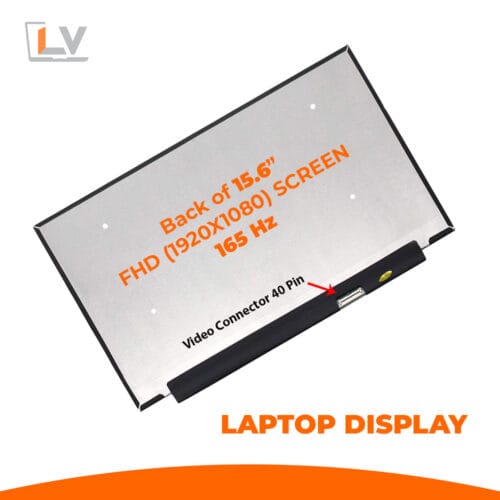
| Connector / Interface | 40-pin eDP (standard) |
| Surface Finish | Matte / anti-glare (common in gaming panels) |
| Border / Bezel Style | Borderless/slim bezel design |
| Viewing Angles | Wide (IPS / high-quality panel type) |
| Brightness & Contrast | Moderate to high brightness, good contrast (supplier typical)
|
| Compatibility | Compatible with laptops using 40-pin FHD 360 Hz panels (e.g. models like NE156FHM-NZ3) |
| Condition | Brand new, factory tested |
| Warranty | 3–6 months (depending on supplier policy) |
Ultra Smooth Motion at 360 Hz
A 360 Hz refresh rate allows motion to appear incredibly fluid, especially in fast-paced games, high FPS videos, and quick interface interactions. If your GPU and drivers support it, the difference from 144/240 Hz is noticeable in competitive scenarios.
Full HD + Ultra LED Panel
The 15.6″ LED Ultra 40-Pin FHD Notebook Display — 360 Hz. With Full HD resolution, this panel keeps visual clarity sharp and readable. The “Ultra” LED backlight variant ensures consistent illumination, reduced backlight bleed, and lower power consumption. In fact, a listed 15.6″ 360 Hz panel uses LED backlighting and a 40-pin eDP connection.
Slim, Borderless Design
15.6″ LED Ultra 40-Pin FHD Notebook Display — 360 Hz panel emphasizes aesthetics too: a narrow bezel / borderless frame gives more usable screen area and a modern, sleek look — essential for notebooks with gaming or high-performance intents.
Standard 40-Pin Connector Compatibility
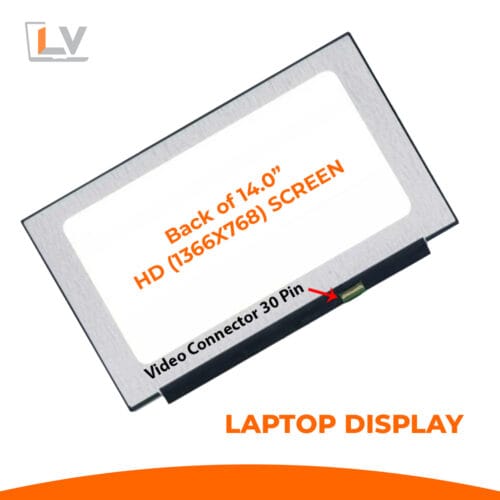
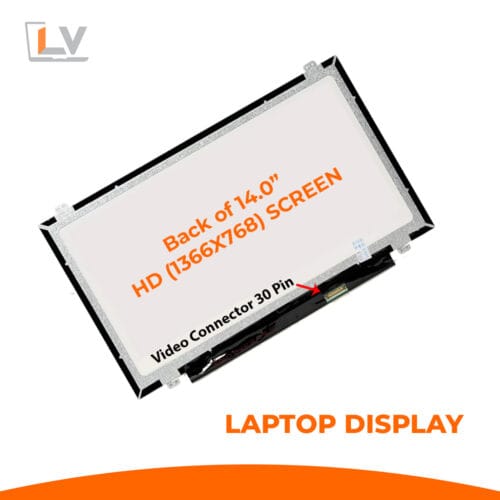
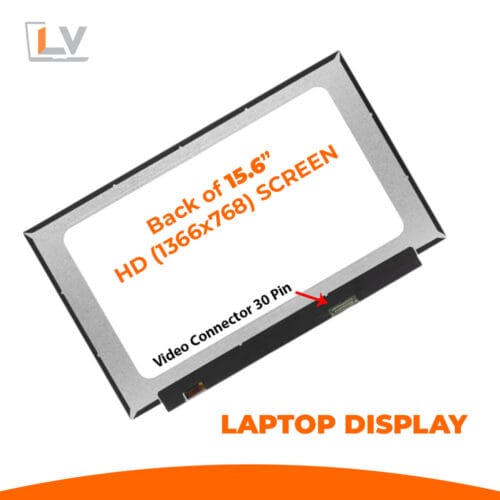
15.6″ LED Ultra 40-Pin FHD Notebook Display — 360 Hz screen uses the standard 40-pin eDP interface, popular among gaming laptops. If your original display was a 360 Hz 40-pin panel, there’s a strong chance this replacement will work — but always verify pin orientation, cable placement, and mounting dimensions.
Quality & Factory Testing
Only Grade A panels passing strict quality control make it to your hands. Each unit is tested for dead pixels, brightness uniformity, response time, and mechanical integrity. Warranty (3–6 months) helps cover manufacturing faults.
Installation & Handling Guide / Best Practices
Power Off & Disconnect
Shut down your laptop, disconnect the battery, and power sources before starting the replacement.Work in a Safe, Static-Free Area
Use anti-static mats, wrist straps, soft microfiber cloths, and plastic opening tools.Handle Connector with Care
The 40-pin eDP connector is delicate. Align precisely, insert gently, and avoid bending pins.Test Before Final Assembly
After connecting but before re-fixing the lid, power up and verify brightness, dead pixels, flicker, and correct detection of 360 Hz refresh.Mount Evenly & Gently
Tighten mounting screws gradually and symmetrically. Over-tightening can warp the panel or damage components.Avoid Pressure on the Panel
Don’t press on the screen’s front surface during installation — it’s vulnerable and may crack or show distortions.


Reviews
There are no reviews yet.