


Description
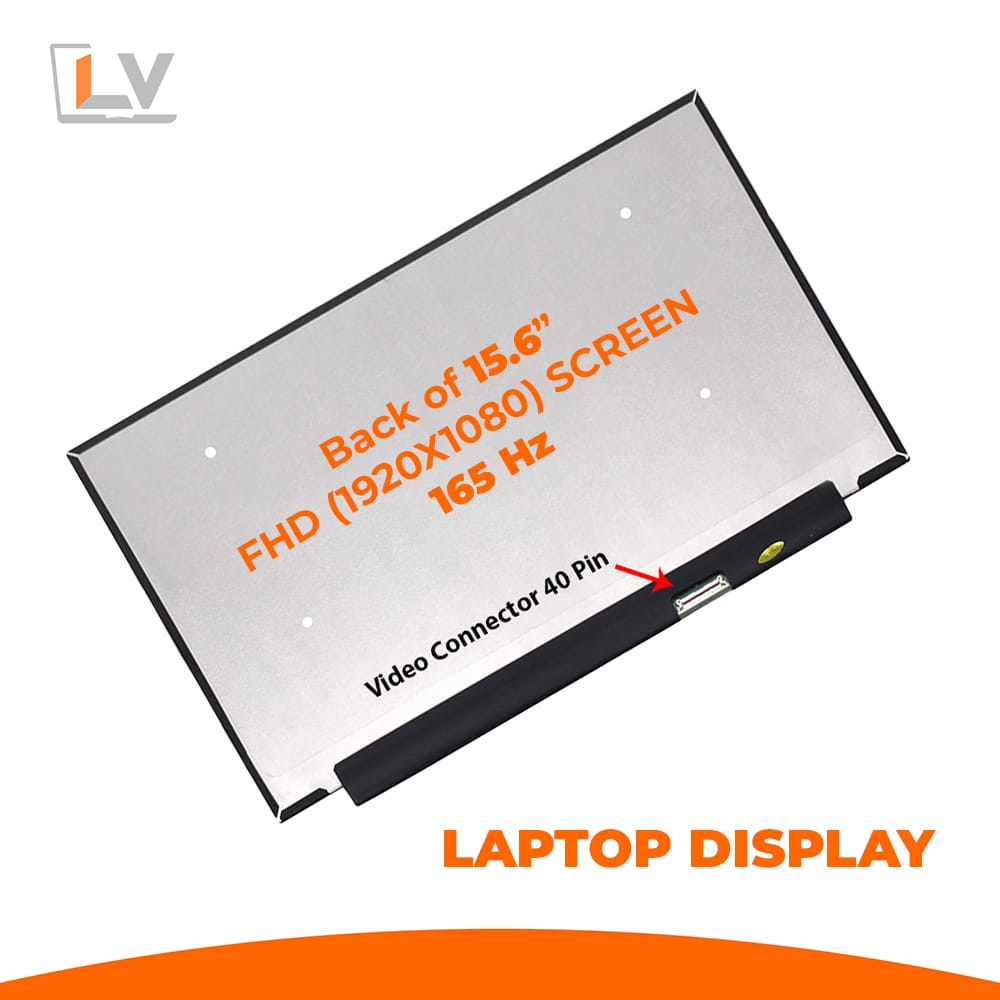
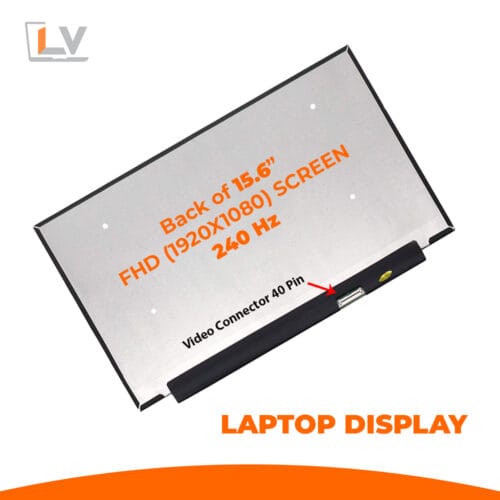
Give your laptop a major visual upgrade with the 15.6″ LED Ultra 40-Pin FHD Notebook Display – 165 Hz — crafted for users who demand speed, clarity, and reliability. Whether for gaming, content creation, or everyday productivity, this screen promises superior experiences.
| Feature | Value / Detail |
|---|---|
| Display Size | 15.6 inch (diagonal) |
| Resolution | Full HD (1920 × 1080) |
| Refresh Rate | 165 Hz |
| Panel Type / Backlight | LED-backlit LCD, Ultra variant |
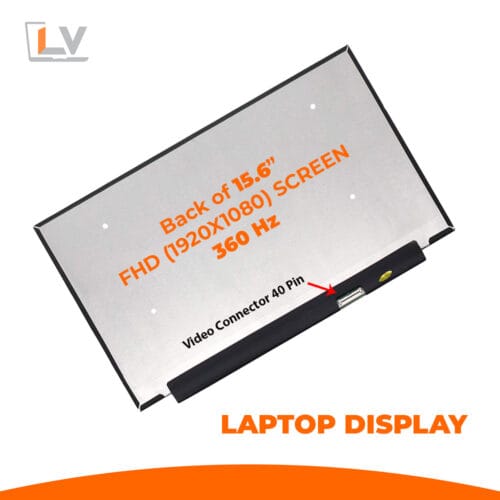
| Connector / Interface | 40-pin eDP |
| Surface Finish | Matte / Anti-glare (as available in stock) |
| Border Style | Borderless/slim bezel design |
| Viewing Angles | Wide (typical for IPS / wide panel types) |
| Brightness & Contrast (typical) | ~ 250–300 cd/m² brightness, contrast ratio ~ 800:1 (supplier typical) |
| Compatibility | Suitable replacement for notebooks with 40-pin FHD panels |
| Condition | Brand new, Grade A, factory-tested |
| Warranty | 6 months (180 days) |
Superb Motion Clarity
With 15.6″ LED Ultra 40-Pin FHD Notebook Display – 165 Hz refresh rate, motion is fluid, tearing is minimized, and responsiveness improves dramatically. Whether you’re navigating fast scrolls, watching high FPS videos, or gaming, the impact is palpable.
Crisp Full HD with LED Ultra Panel
The Full HD (1920 × 1080) resolution gives you sharp images, legible text, and ample workspace. The LED Ultra backlight enhances brightness uniformity and reduces backlight bleed—offering clean, stable visuals even at higher brightness.
LED Efficiency & Brightness
LED backlighting consumes less power and runs cooler than older CCFL setups. It also allows panels to remain thinner, reducing overall laptop lid thickness.
Modern, Slim & Borderless Look
Borderless or near-bezelless design helps maximize your visual field and gives the laptop a sleek, contemporary aesthetic. Your display looks integrated and premium, not clunky.
Standard 40-Pin Connector
Using a 15.6″ LED Ultra 40-Pin FHD Notebook Display – 165 Hz with a 40-pin eDP interface, this display is a possible drop-in replacement for many laptops that originally shipped with 40-pin FHD panels. Always confirm your existing display’s connector count and pinout before purchase.
Matte / Anti-Glare Option
The matte (anti-glare) finish helps reduce reflections and is ideal for working under bright lights or near windows. If stock allows, a glossy surface may also be offered—for richer contrast and color “pop”.
Quality Assurance & Warranty
We only dispatch Grade A, factory-tested panels that pass strict pixel, backlight, and mechanical tests. Our warranty (typically 3–6 months) ensures you have protection against early failures and manufacturing defects.
Installation & Handling Guide / Best Practices
Power Down & Disconnect Everything
Always turn off the laptop completely and disconnect the battery or AC before working.Use Anti-Static & Soft Tools
Work on a soft surface, use anti-static mats or wrist straps, and delicate plastic prying tools to protect the panel.Connector Handling
Insert the 40-pin eDP cable gently and straight. Do not force or misalign, as pins are delicate. A click or gentle lock should secure it.Test Before Full Reassembly
After connecting but before screwing everything back together, power up and check for brightness uniformity, flicker, dead pixels, and proper refresh behavior.Even Screw Tightening
Tighten screws in a cross or symmetrical pattern slowly to avoid warping or stressing the glass or plastic frame.Avoid Pressure on Panel
Don’t press on the screen surface while installing — panels are fragile and pressure marks or cracks can appear.



Reviews
There are no reviews yet.