


Description
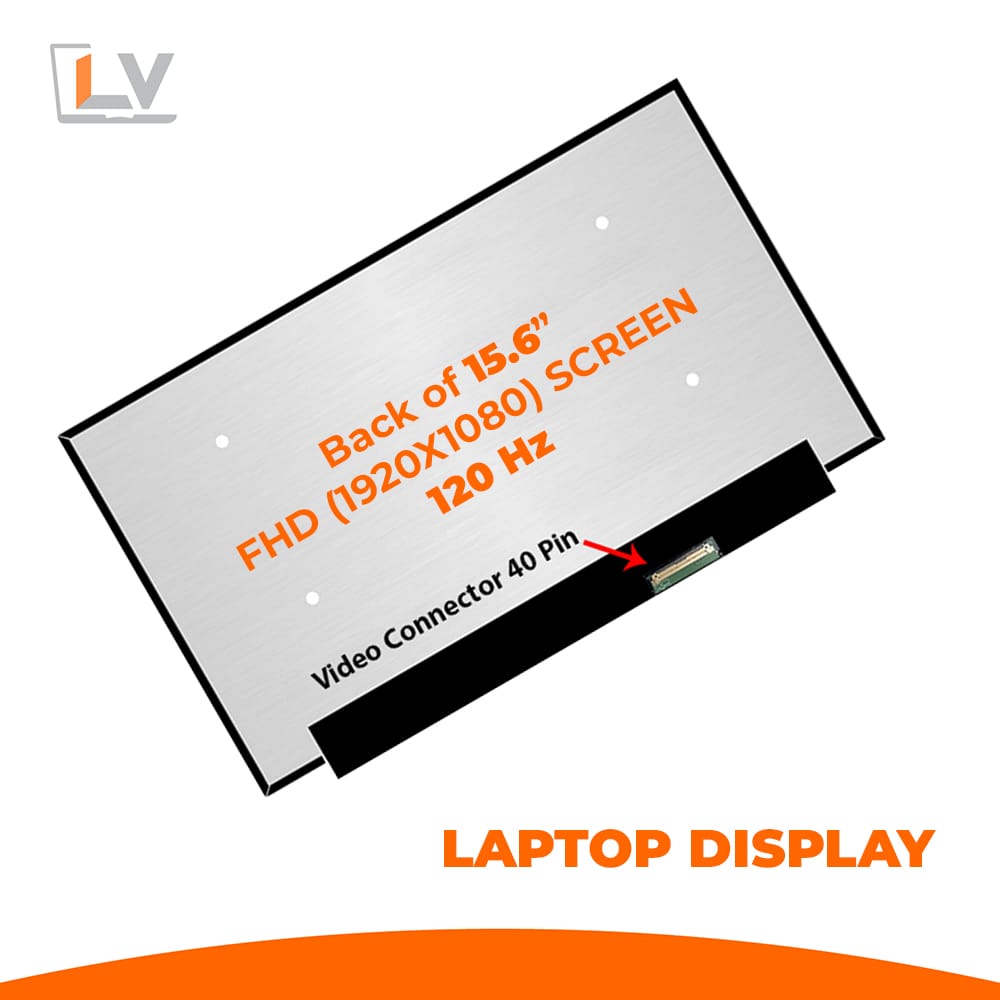
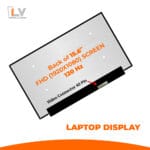
Bring new life to your notebook with the 15.6″ LED Ultra 40-Pin FHD Notebook Display (120 Hz) — a high-performance, premium replacement screen that combines sharp visuals, fluid motion, and a sleek design. Whether you’re a gamer, content creator, professional, or simply someone who wants a better viewing experience, this display is built to impress.
15.6″ LED Ultra 40-Pin FHD Notebook Display (120 Hz) Specification:
| Feature | Value / Detail |
|---|---|
| Display Size | 15.6-inch diagonal |
| Resolution | Full HD (1920 × 1080) |
| Refresh Rate | 120 Hz |
| Panel Type / Backlight | LED-backlit LCD “Ultra” type |
| Connector | 40-pin eDP video connector |
| Surface Type | Matte / Glossy (depending on stock) |
| Condition | Brand new, Grade A, factory tested |
| Warranty | 6 months |
| Compatibility | Supports many brands: Razer, Mi, Dell, HP, Lenovo, Acer, AVITA, Asus, Gigabyte, MSI, Chuwi, Huawei, Nexstgo, Walton, iLife |
| Border Style | Borderless/minimal bezel design |
1. Smooth & Responsive Visuals at 120 Hz
With a 120 Hz refresh rate, this panel delivers ultra-fluid motion — ideal for gaming, graphics work, video playback, or multitasking. Combined with Full HD resolution, you’ll get crisp images, sharp texts, and smooth transitions whether you’re scrolling web pages, editing content, or watching fast-action videos.
2. LED-Ultra Panel Technology
This display uses an LED-backlit LCD “Ultra” variant, which provides uniform brightness across the screen, reduces light bleed, and enhances contrast. It’s more power-efficient than older backlight systems, making it a great upgrade for both performance and battery life.
3. Borderless Design for Immersive View
The minimal bezel / borderless design allows for more screen area and a modern aesthetic. This slim frame improves the visual experience and gives your laptop a contemporary, premium feel without bulky borders.
4. Broad Compatibility with 40-Pin Connector
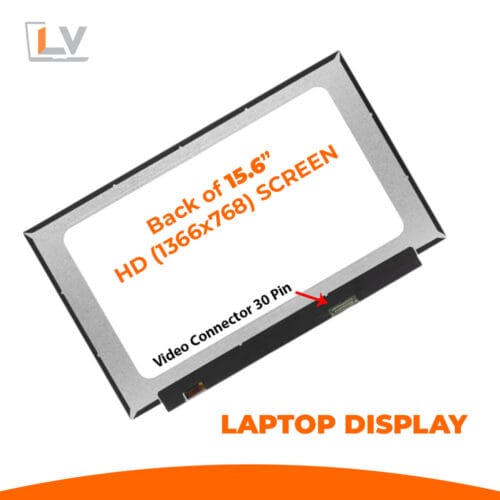
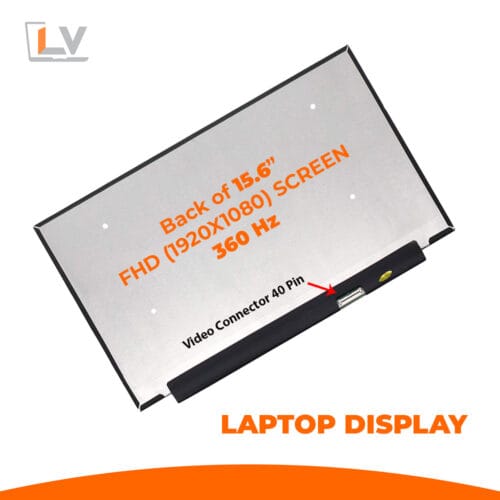
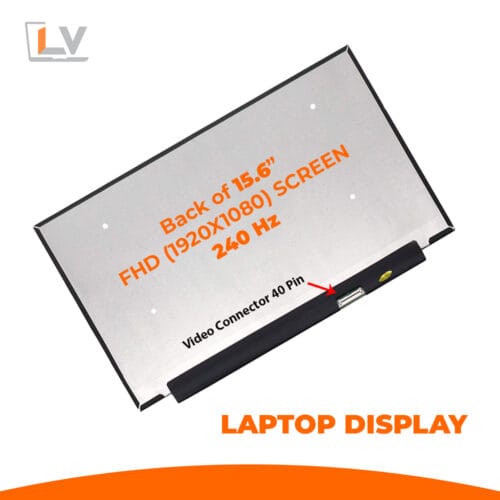
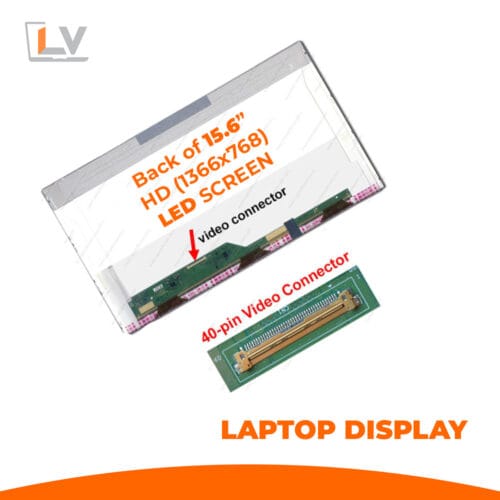
Using a 40-pin eDP connector, this display supports a wide range of notebook models. As long as your laptop uses a 40-pin FHD screen, this panel can be a suitable replacement. Always double-check pin orientation, connector side (bottom or side), and the cable length before ordering.
5. Versatility with Surface Finish
Whether you prefer matte (less glare in bright environments) or glossy (deeper contrast and color pop), this panel offers options depending on stock. The matte version is ideal for workspaces with overhead lights or window glare.
6. Reliable Build & Warranty Assurance
Only Grade A panels that pass strict factory testing are used. Every unit is tested for dead pixels, brightness uniformity, and mechanical strength. And to further support buyers, a 6-month warranty is provided to cover manufacturing defects or early failures.
Installation & Handling Best Practices
15.6″ LED Ultra 40-Pin FHD Notebook Display (120 Hz)
Power Off & Disconnect
Always fully power down your laptop and remove the battery/cable before handling.Use Anti-Static Tools
Work on a clean, soft, anti-static surface. Use plastic pry tools, an ESD mat, and microfiber cloths.Handle With Care
The panel and connector are delicate. Don’t press on the display or bend the cable aggressively.Align 40-Pin Connector Precisely
Insert the connector gently and ensure it’s fully seated — misalignment can cause flickering or no display.Test Before Final Assembly
After connecting but before putting things back, power on and check for brightness, dead pixels, color uniformity, and flicker.Mount Evenly
Secure screws and mounting brackets gently and evenly. Over-tightening can warp or crack the Panel.
Call to Action & Buyer Tips
Don’t wait to refresh your laptop — get the 15.6″ LED Ultra 40-Pin FHD Notebook Display (120 Hz) now and enjoy vivid visuals, high performance, and long-term reliability. Before you order:
Check your existing screen’s part number and pin count (must be 40-pin).
Confirm the connector orientation and placement.
Compare your mounting screw layout to ensure a proper fit.
Provide your laptop model when ordering if possible — this helps verify compatibility.

Reviews
There are no reviews yet.